PDF Tools API: Extract, Watermark, and Split PDFs
1AiKit Team
2/15/2026
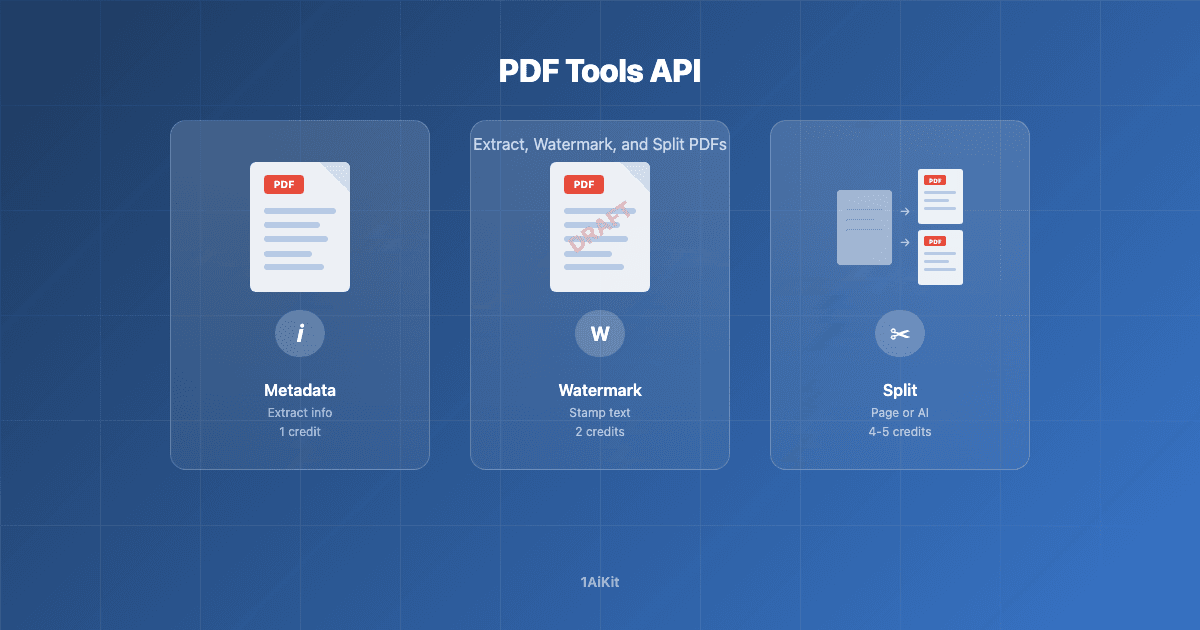
Your PDF Toolbox
Working with PDFs programmatically can be tedious. Our PDF API gives you four focused endpoints that cover the most common operations — metadata extraction, watermarking, and splitting — all accessible via a simple REST API or directly from the dashboard.
Every function accepts a base64-encoded PDF in the request body and returns the result immediately. Nothing is stored permanently on our servers.
Get PDF Metadata
Need to know how many pages a PDF has before processing it? The getMeta function extracts page count and document information (title, author, creator, dates) from any PDF.
Use it for: pre-upload validation, enforcing page limits, or routing documents in automated pipelines.
- Endpoint:
POST /api/fx/pdf/meta - Cost: 1 credit per call
- View full documentation
Add Watermark
Stamp text across every page of a PDF. The addWatermark function adds a diagonal text watermark with configurable opacity and returns the modified PDF as base64.
Use it for: marking documents as DRAFT, CONFIDENTIAL, or SAMPLE before sharing. Useful for legal, HR, and contract workflows.
- Endpoint:
POST /api/fx/pdf/add-watermark - Cost: 2 credits per call
- View full documentation
Split PDF
Break a multi-page PDF into separate files. The splitPdf function supports two strategies:
- Page-based: specify exact page numbers to split after (e.g. split after pages 3, 6, 9)
- Prompt-based: describe how to split in natural language (e.g. "Split after each invoice") and let AI figure out the boundaries
Returns an array of temporary download URLs (1 hour expiry).
Use it for: separating batched invoices, extracting chapters from reports, or breaking up scanned documents.
- Endpoint:
POST /api/fx/pdf/split - Cost: 4 credits per call
- View full documentation
Split PDF to ZIP
Same splitting capabilities as above, but bundles all resulting PDFs into a single ZIP archive for easy download.
- Endpoint:
POST /api/fx/pdf/split-to-zip - Cost: 5 credits per call
- View full documentation
Quick API Example
Here is how you extract metadata from a PDF using curl:
curl -X POST https://your-domain.com/api/fx/pdf/meta \
  -H "Content-Type: application/json" \
  -H "x-api-key: your-api-key" \
  -d '{"pdfBase64": "JVBERi0xLjQK..."}'
The response includes the page count and document info:
{
  "pageCount": 12,
  "info": {
    "Title": "Quarterly Report",
    "Author": "Finance Team",
    "CreationDate": "2026-01-15T10:00:00Z"
  }
}
Credits Overview
| Function | Endpoint | Credits |
|----------|----------|---------|
| Get Metadata | /api/fx/pdf/meta | 1 |
| Add Watermark | /api/fx/pdf/add-watermark | 2 |
| Split PDF | /api/fx/pdf/split | 4 |
| Split to ZIP | /api/fx/pdf/split-to-zip | 5 |
All PDF functions are available via API key or from the dashboard. Check your remaining credits on the API Functions page.